You cannot select more than 25 topics
Topics must start with a letter or number, can include dashes ('-') and can be up to 35 characters long.
 Filip Borum Poulsen
74af99cd53
Filip Borum Poulsen
74af99cd53
|
1 year ago | |
|---|---|---|
| docs | 2 years ago | |
| public | 1 year ago | |
| .gitignore | 2 years ago | |
| README.md | 2 years ago | |
| clock.desktop | 2 years ago | |
| crontab | 1 year ago | |
| index.js | 1 year ago | |
| install.sh | 2 years ago | |
| package.json | 2 years ago | |
| play-overlay.sh | 1 year ago | |
| schedule.txt | 1 year ago | |
| smb.conf | 2 years ago | |
| start-play.sh | 1 year ago | |
| start-projector.sh | 1 year ago | |
| stop-projector.sh | 1 year ago | |
| video-player.service | 1 year ago | |
| video-player2.service | 1 year ago | |
README.md
Raspberry pi video player
How to install
-
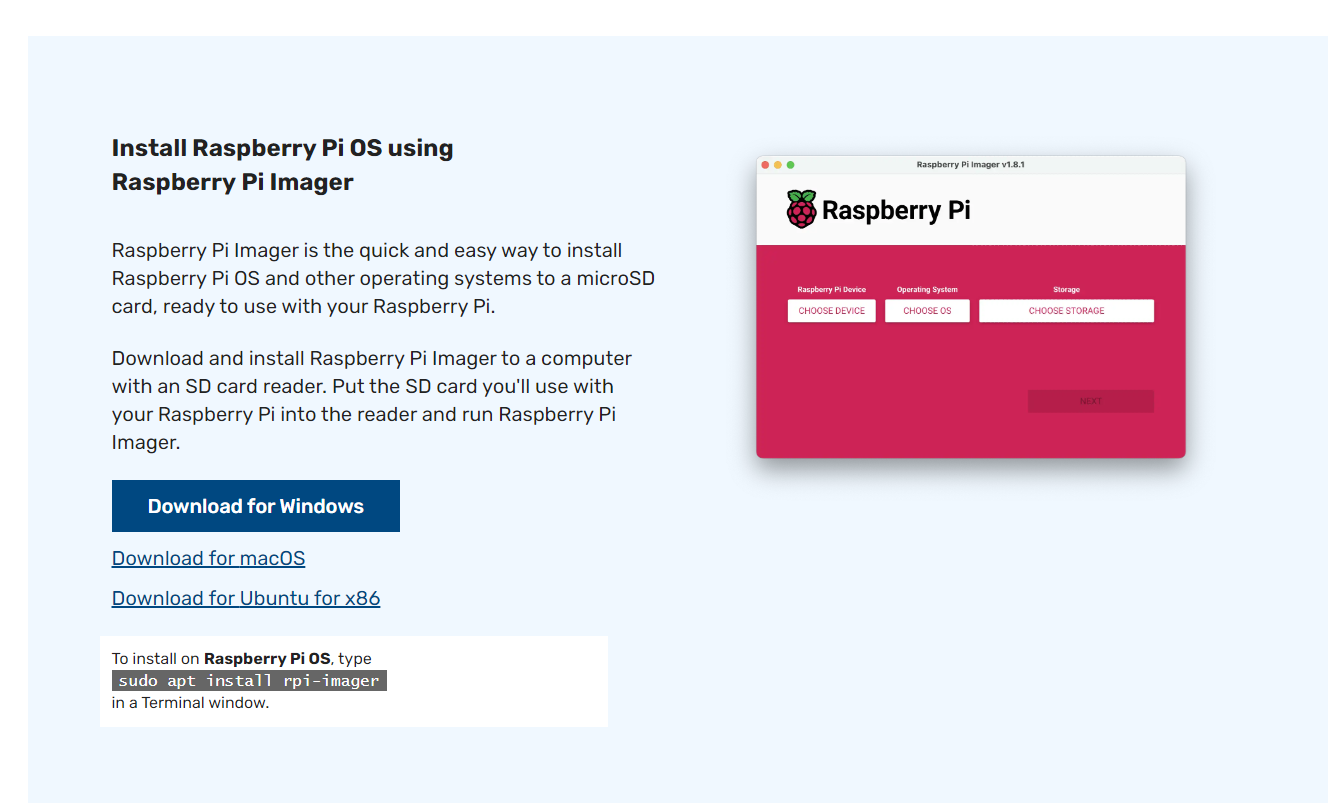
Install Raspberry Pi Imager on your local computer from https://www.raspberrypi.com/software/
-
Select
Raspberry Pi OS (64-bit)in Pi Imager
-
Configure Wifi details and
piuser credentials using the settings in the imager.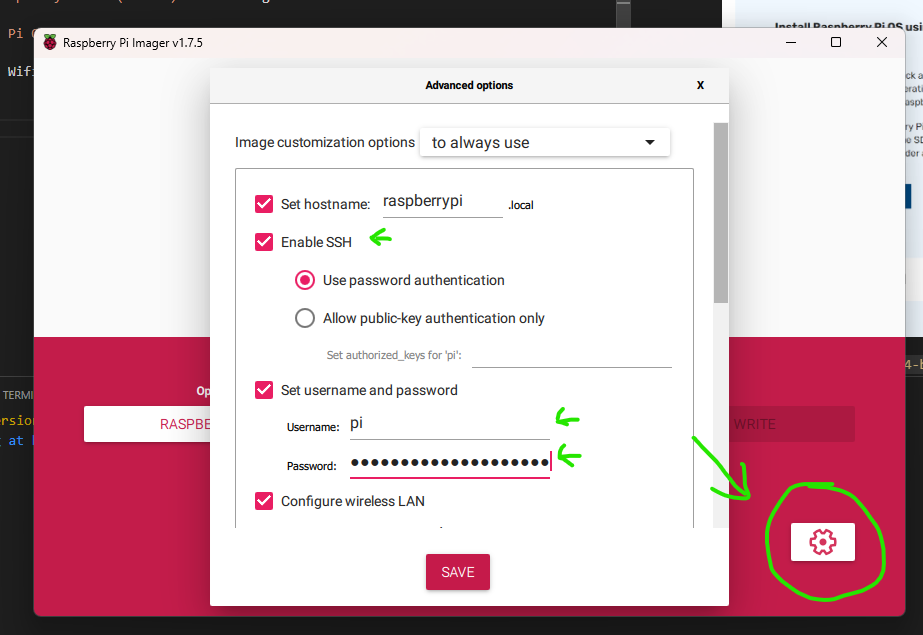
-
Flash the SD card
-
Insert it into the Pi and boot it up.
-
Run the following command on the Pi either via ssh or in the terminal from the desktop
curl https://git.bpfilip.dk/fbp/video-player/raw/branch/main/install.sh | bash -
Access the web interface by typing the ip address of the pi in a web browser followed by the port
:8080. Fx:http://192.168.25.219:8080